
Running a liquidation store, whether it’s a brick-and-mortar bin sale, a wholesale warehouse, or an online liquidation business, means managing large volumes of transactions while keeping costs low. Choosing the right payment processor can make a big difference in your bottom line. You need a system that’s affordable, fast, secure, and flexible enough to handle multiple sales types, from $5 bin deals to big-ticket pallet sales.
Best Payment Processors For Liquidation Stores
Here’s a breakdown of the best payment processors for liquidation stores based on reliability, cost, and features that support reselling businesses.
1. Square
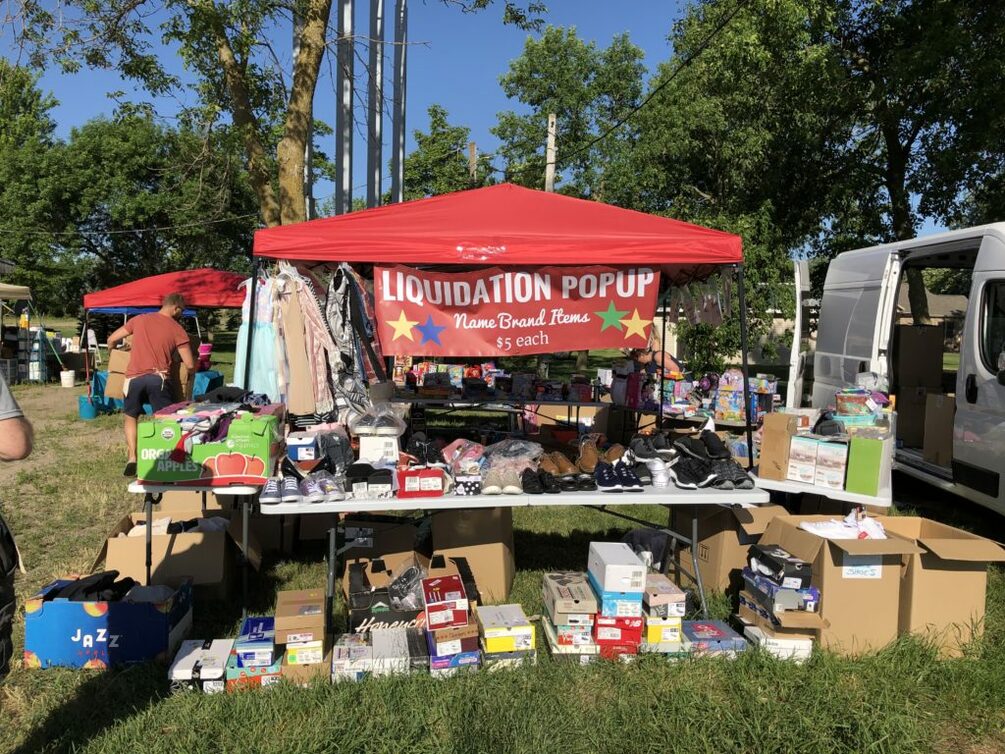
Best for: Pop-up and in-person liquidation events (this is personally what Kim uses at her popup events)
Square is a favorite among liquidation sellers because of its simplicity and flexibility. You can accept credit cards, tap-to-pay, and online invoices—all with no monthly fee.
Key Features:
- Free POS app with built-in inventory management
- Flat-rate pricing: around 2.6% + 10¢ per transaction
- Instant deposits and sales tracking
- Works with mobile devices and tablets
Why It’s Great for Liquidation Stores:
Square’s portable readers make it perfect for bin sales, tent events, or warehouse clearance days where you need to move fast. You can even track inventory by category (like $5, $10, or $20 bins).
2. Shopify Payments
Best for: Liquidation stores with Shopify websites
If your liquidation store has an online presence through Shopify, their built-in Shopify Payments system is your most seamless option.
Key Features:
- No need for third-party payment integration
- Accepts all major credit cards, Apple Pay, Google Pay, and Shop Pay
- Lower transaction fees compared to external gateways
- Easy refund management
Why It’s Great for Liquidation Stores:
You can list truckload, pallet, or bin-sale items online and get paid instantly through your existing store dashboard—no manual setup required.
3. PayPal Zettle
Best for: Sellers who already use PayPal
PayPal Zettle (formerly PayPal Here) is PayPal’s modern POS system for in-person transactions. It integrates with your PayPal account for easy fund transfers and online sales.
Key Features:
- Accepts cards, PayPal, Venmo, and QR code payments
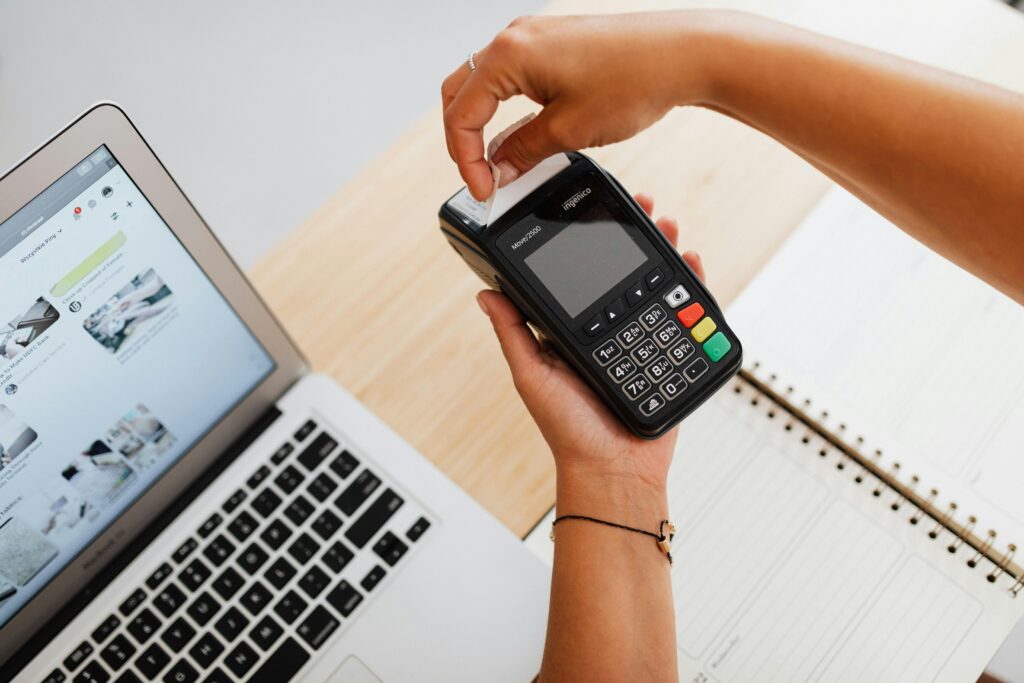
- Bluetooth card reader with chip, tap, and swipe support
- Pricing around 2.29% + 9¢ per transaction
- Works both online and offline
Why It’s Great for Liquidation Stores:
If your customers are used to paying through PayPal or Venmo, this gives them a familiar checkout experience and keeps all your sales synced in one account.
4. Clover
Best for: Established liquidation stores with high foot traffic
Clover offers sleek, all-in-one POS hardware for retail environments. While it has higher setup costs, it’s robust enough for high-volume liquidation operations.
Key Features:
- Full POS systems with barcode scanners, cash drawers, and printers
- Employee and inventory tracking
- Accepts all major credit cards and contactless payments
- Transaction fees vary by plan
Why It’s Great for Liquidation Stores:
For those with permanent storefronts or multi-register setups, Clover provides a polished, professional checkout experience while handling complex sales and reporting.
5. Stripe
Best for: Online liquidation sales or B2B wholesale transactions
Stripe is known for its flexibility and developer-friendly setup. If you run a liquidation website or wholesale platform, Stripe can integrate directly with your online store or invoicing system.
Key Features:
- Global payments and currency support
- Invoicing and recurring billing
- Competitive pricing at 2.9% + 30¢ per transaction
- Fraud prevention and customer data security
Why It’s Great for Liquidation Stores:
Stripe’s powerful API allows integration with platforms like WooCommerce, Magento, and custom B2B portals, perfect for selling truckloads, pallets, or wholesale lots online.
6. Venmo for Business
Best for: Small liquidation sellers or bin store side hustles
Venmo for Business lets you accept digital payments without a card reader. It’s quick, convenient, and familiar to most customers.
Key Features:
- Easy setup through Venmo app
- 1.9% + 10¢ per transaction
- QR code payment option for quick checkout
- Funds transfer to your business account
Why It’s Great for Liquidation Stores:
At pop-up events or warehouse bin sales, you can let customers scan your QR code and pay instantly; no card swipes required.
Bonus Tip: Use Multiple Processors for Flexibility
Many liquidation store owners use more than one processor. For example:
- Square for in-person bin events
- Shopify Payments or Stripe for online liquidation sales
- PayPal for wholesale or resale transactions
This ensures you never lose a sale no matter how your customers prefer to pay.
Final Thoughts
Choosing the right payment processor for your liquidation store depends on how and where you sell.
- Mobile and pop-up sellers: Square or Venmo
- Online sellers: Stripe or Shopify Payments
- Established retail locations: Clover
- PayPal power users: PayPal Zettle
The best choice combines low fees, easy setup, and reliability so you can focus on flipping inventory, not fighting with your payment system.